The Best GPU for Gaming in 2026 (Tested, Argued Over, and Finally Settled)
Graphics cards get swapped in and out of test rigs constantly around here with a Torx driver in one hand and a half-eaten sandwich in the other, more often than not. Streamers’ builds, thermal paste jobs gone wrong, arguments online about whether 8GB of VRAM is “fine, actually.” (It is not.) When someone asks what the best gaming GPUs of 2026 have to offer, the honest answer used to be a single card name. Not anymore. The market split into lanes, and pretending there’s one universal winner does readers a disservice.
Here’s a scenario that sums up the current landscape: someone wants to upgrade an aging rig, budget capped at $400, and asks if that’s even possible anymore. It is. But the GPU that makes sense for that build looks nothing like the card worth recommending to someone chasing 4K ray tracing, and neither looks like the pick for someone who also wants to run a local AI model on the side. Three different people, three correct answers that’s the whole premise behind picking the right card for your needs, rather than chasing one overall champion.
Quick Answer: The Best Graphics Cards for 2026 in Under 10 Seconds
If you’re skimming, here’s the gut-check version:
| Use Case |
Pick |
Why |
| No-compromise / flagship |
RTX 5090 |
32GB VRAM, 150+ FPS at 4K with frame gen |
| Best high-end value |
RTX 5080 / RX 9070 XT |
Near-flagship 4K performance at a lower cost |
| Best all-around pick |
RTX 5070 |
Strong 1440p performance, ages well, and runs cooler |
| Best budget GPU |
RX 9060 XT 16GB |
Best VRAM-per-dollar right now |
| Best sub-$300 budget pick |
Intel Arc B580 |
12GB VRAM with rougher drivers |
| Best for AI + gaming |
RTX 5070 Ti / RTX 4090 |
Enough VRAM for local models without sacrificing gaming performance |
If none of that means anything yet, keep reading it will shortly.
Why This Decision Actually Matters Right Now
Games aren’t behaving the way they used to. Textures are heavier, ray tracing is closer to a default expectation than an optional toggle, and upscaling tech DLSS 4 on NVIDIA’s side, FSR 4 on AMD’s has quietly become load-bearing infrastructure rather than a nice bonus. Buy the wrong card and you won’t just lose frame rate; you’ll lose VRAM headroom sooner than you should have, and that’s the mistake that comes up most often when someone skips thinking through what the graphics card actually means for their setup. Someone buys an 8GB card thinking it’ll last, and before long they’re dropping texture settings on games that should look gorgeous.
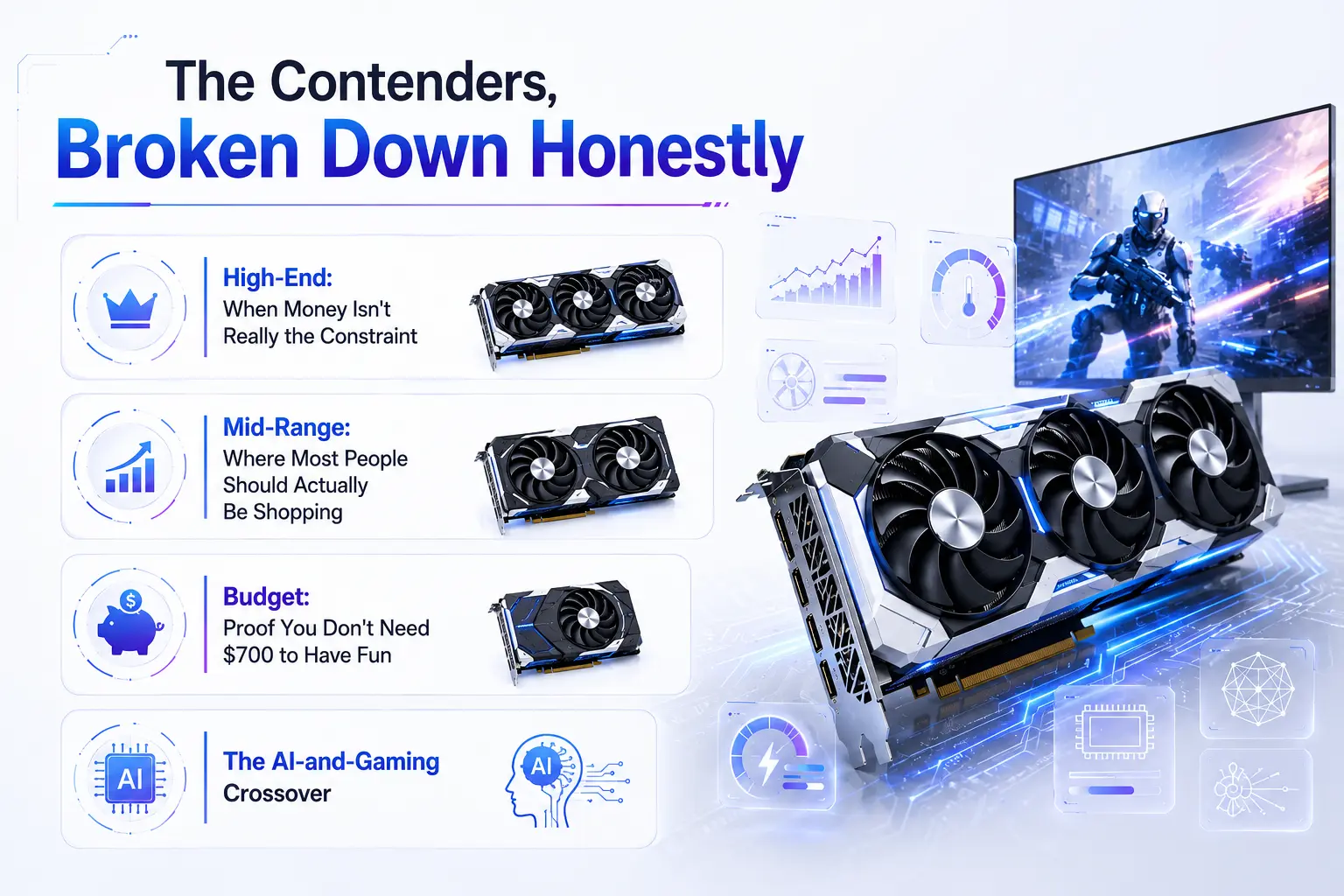
The Contenders, Broken Down Honestly
High-End: When Money Isn't Really the Constraint
Anyone chasing the absolute best flagship card lands here first, before deciding whether that ceiling is worth the cost.
The RTX 5090 sits at the top for a reason 32GB of GDDR7 and enough horsepower to push past 150 FPS in demanding 4K titles when paired with frame generation. It’s also power-hungry enough that a PSU upgrade often becomes a hidden second purchase just to run one safely. That’s a real cost most GPU rankings skip over.
Right below it, the RTX 5080 gives up relatively little for a noticeably smaller price tag, and the RX 9070 XT trades some ray-tracing polish for AMD’s usual value edge roughly 95% of RTX 5070 Ti performance for closer to 80% of the price.
Mid-Range: Where Most People Should Actually Be Shopping
This is the tier that generates the most debate when people ask which card to buy in a realistic price range, because it’s genuinely close. The RTX 5070 has become a go-to recommendation for anyone wanting the best gaming performance without flagship spending 12GB of GDDR7, ultra settings above 100 FPS in current titles, and enough multi-frame-generation headroom to push well past that in supported games. It also runs cooler than its predecessor, which sounds minor until you’re the one whose case fans scream during a long session.
AMD’s RX 9070 counters with near-identical rasterized performance at a lower price, minus some software polish. If ray tracing isn’t your priority, that’s an easy trade.
Budget: Proof You Don't Need $700 to Have Fun
Here’s where things get genuinely interesting, and where a lot of GPU roundups get lazy. The budget conversation really comes down to three names: the RX 9060 XT 16GB, the RTX 5060 Ti, and the Intel Arc B580.
The RX 9060 XT at roughly $350-400 outperforms the base RTX 5060 by a noticeable margin in raw rasterization and ships with 16GB of memory instead of 8GB a gap that matters more with every new game that comes out. A side-by-side test against a base 5060 in the same rig, same monitor, showed the difference clearly in Dragon’s Dogma 2: the AMD card pulled close to ten frames ahead at 1080p.
The Intel Arc B580 remains the scrappy underdog. At under $300 with 12GB of VRAM, it’s the best budget gaming gpu 2026 has for anyone willing to tolerate occasionally clunky drivers in exchange for memory no other card at that price offers. It’s worth keeping one around in a testing rig just to stay honest about Intel’s progress not flawless, but no longer the punchline it once was.
The AI-and-Gaming Crossover
A growing number of people are asking a different question now: what’s the best gpu for ai and gaming 2026 if they want to run local language models on the same machine they game on? The honest answer is that VRAM decides almost everything here. A 7B model at reasonable quantization needs around 5-6GB, but 14B-class models want closer to 10-11GB, and anything bigger eats into territory only 16GB-plus cards handle comfortably.
For that dual-purpose buyer, the RTX 5070 Ti or, budget allowing, the RTX 4090 make the most sense — both hold mid-size models without sacrificing gaming performance, and NVIDIA’s CUDA ecosystem still has the smoothest support for tools like Ollama and LM Studio. AMD cards can do this work through ROCm, but it’s not nearly as plug-and-play.
Try This Before You Keep Reading
Quick exercise open your PC’s specs (Task Manager on Windows, or any PC checker tool if you’re not sure what’s installed) and note your GPU model, PSU wattage, and current VRAM. Compare that VRAM number against the games you actually play. Sitting on 8GB and regularly playing today’s bigger titles? That’s your answer on whether an upgrade is overdue.
Which One Is Actually Right For You (Best GPU for Gaming 2026, By Use Case)
• Play competitive esports almost exclusively → RTX 5060 Ti or Arc B580. You don’t need more.
• Targeting 1440p, want lasting headroom → RTX 5070 or RX 9070.
• 4K and ray tracing are non-negotiable → RTX 5080 minimum, RTX 5090 if budget allows.
• Budget caps around $300-400 → RX 9060 XT 16GB or Arc B580, depending on driver polish versus VRAM.
• Gaming and local AI experiments share one machine → RTX 5070 Ti or RTX 4090, full stop.
Where This Take Pushes Back on the Crowd
Here’s a genuine disagreement with the popular pick: the RTX 5060 (the plain, non-Ti, 8GB version) is overrated for how often it gets recommended to first-time builders. It’s fine right now. It won’t stay that way, and enough of these cards get replaced early for frustrated owners to say so directly. Spend the extra fifty dollars on the Ti version, or step down to the RX 9060 XT instead the 16GB buffer buys real, lasting usability.
There’s also little patience for AMD’s marketing language around its 8GB and 16GB variants being “the same GPU, no compromise.” Reviewers who’ve torn into that claim found the compromise real and measurable. Don’t take a manufacturer’s word for it — check independent benchmarks before buying either variant.
Quick Checklist Before You Buy
☐ Confirmed your monitor’s real resolution and refresh rate (don’t buy for 4K on a 1080p panel)
☐ Checked PSU wattage against the card’s rated draw, with headroom to spare
☐ Measured case clearance for the card’s physical length
☐ Decided whether ray tracing and DLSS/FSR quality justify NVIDIA’s premium
☐ Looked at VRAM needs for your actual game library, not just today’s price tag
☐ Run a PC checker or system scan to confirm current specs before ordering
The Actual Closing Take
Stop hunting for one magic answer to the best gpu for gaming 2026 question and start being honest about what you actually play and what you can spend. Plenty of people overspend on a 5090 for a library full of CS2 and Valorant, and just as many stretch a dying 8GB card well past its expiration date to save a couple hundred bucks. Neither approach ages well. Figure out your resolution, be realistic about budget, run a quick PC checker if you’re unsure what you’re working with, and buy the card matching the games you’ll actually load up tonight not the one that looks best on a spec sheet.
FAQ
Is it worth waiting for next-gen cards instead of buying now?
Depends on your setup. A card struggling to hit 60 FPS today costs you real enjoyment while you wait on uncertain future savings. If your current card still handles your games fine, there’s less urgency.
Does more VRAM always mean better gaming performance?
No VRAM prevents stutter and texture pop-in once you exceed capacity, but it doesn’t add raw horsepower on its own. A card can have huge memory and still run slow if the underlying chip is weak.
Can a budget card handle ray tracing at all?
Somewhat, at lower settings. Don’t expect the smooth experience flagship cards deliver, but entry cards with upscaling support can produce a playable result in lighter titles.
Should a first-time builder just buy whatever's cheapest?
Not necessarily the cheapest card in a lineup is often the one with cut VRAM or an outdated architecture, which shortens its useful life fastest.
Is AMD's driver software still a real concern?
It’s improved considerably, though some users still report occasional quirks compared to NVIDIA’s more mature control panel and driver cadence.
Does the CPU bottleneck a new GPU purchase?
It can, especially older CPUs paired against high-end cards. An aging processor next to a flagship GPU often wastes a chunk of that card’s potential.
Still have questions? Visit our Contact Us page, and we’ll be happy to help.
Gaming Musk Team creates gaming tools and practical guides for gamers. We build tools like PC requirement checkers, gamepad testers, and game-specific calculators while publishing easy-to-follow guides for games, gaming hardware, and performance optimization. Our goal is to help players make better gaming decisions with accurate tools and reliable information.
Best GPU for 1080p Gaming in 2026: Top Picks Ranked
The first time I understood that “future-proof” is mostly a marketing word, I was up at 3 a.m. watching a frame-time graph spike like a heart monitor. Texture stutter. In a game I’d already finished twice. The card had horsepower to spare it just ran clean out of video memory at the worst possible moment, and no amount of settings-fiddling truly fixed it. That night taught me more about buying graphics cards than any spec sheet ever has.
So let’s skip the marketing. Let’s talk about what actually holds up at 1920×1080 in 2026.
And I’ll say the awkward thing up front: right now is a rough time to buy. Prices are inflated across the board the AI hardware boom plus an ugly memory-price crunch have shoved almost every card up a tier from where it sat a year ago. A card that should be $300 is asking $400 and change. I won’t pretend otherwise. But you can still put together a smooth, high-refresh setup the trick to finding the best GPU for 1080p gaming right now is knowing which cards are worth the price tax and which are quietly ripping you off.
The 10-second version
For most people: NVIDIA RTX 5060, roughly $350–370. Quick, efficient, DLSS 4.5.
Want VRAM headroom: AMD RX 9060 XT 16GB but only near $350, not $460.
On a real budget: RTX 5050, around $260. The cheapest new card I’d still trust.
Hard skip: any 8GB card priced above $350. That’s flagship money for a bottleneck.
If that’s all you needed, go build. If you want the reasoning and the traps keep reading.
Why 1080p Is Still the Smart Play
Everyone online wants to sell you 1440p and 4K. And they’re lovely. But 1080p is still where the value lives, and it isn’t close. At this resolution a mid-range card pushes well past 100 fps in demanding games, which means a $170 144Hz monitor suddenly feels incredible. You’re not paying for pixels you’ll squint to notice from three feet away.
Here’s a quick gut-check before we go further. Answer these three, honestly:
1. What’s your monitor’s refresh rate 60, 144, or 240Hz?
2. Do you play mostly esports (CS2, Valorant, Fortnite) or big AAA single-player games?
3. What’s the real ceiling on your budget not your dream, your ceiling?
Hold those answers in your head. They quietly decide everything below.
The Three Specs That Actually Matter
VRAM. For 1080p, 8GB is the floor in 2026 and it’s a nervous floor. Most games sit at 6–8GB, but a handful of texture-heavy titles blow past it, and when they do you get exactly the stutter I described up top. 12–16GB buys peace of mind.
Upscaling. NVIDIA’s DLSS 4.5 and AMD’s FSR 4 are both mature now, and at 1080p you’re mostly using them to crank frame rates rather than rescue a resolution you can’t run. Worth noting: blind tests in early 2026 had gamers preferring DLSS 4.5 over native rendering. That’s not nothing.
Power. Check your PSU before you check your cart. The rough rule I use: add your GPU and CPU TDP together, multiply by two, and buy a supply at least that big. A 550W unit is the practical minimum for one of these cards. Those three specs are what separate a fine card from the best GPU for 1080p gaming at your budget.
My Picks for the Best GPU for 1080p Gaming
I’ve ordered these loosely by who they’re for, not by a single score because “best” depends entirely on your three answers above.
1. NVIDIA RTX 5060 the one I’d hand most people
This is the default, and I mean that as praise. Blackwell architecture, GDDR7 memory, DLSS 4.5 with Multi Frame Generation, and baseline performance that eats popular titles Fortnite, CS2, Marvel Rivals, Apex for breakfast. Street price hovers around $350–370 thanks to the crunch, though patient shoppers still catch it near $350. The catch is its 8GB of VRAM, which is fine at 1080p today but doesn’t leave much runway.
2. AMD RX 9060 XT 16GB the future-proofer
If you keep cards for years or love maxing textures, this is your card. 16GB of memory means you’ll basically never hit a VRAM wall at 1080p or 1440p, and RDNA 4 closed a lot of AMD’s old ray-tracing gap. It won Tom’s Hardware’s Editor’s Choice, and I get why. My honest hesitation is pricing: it launched at $299, but mid-2026 street prices have drifted to $420–460, which dulls the whole value pitch. Find it near $350 and it’s a no-brainer. At $460 it’s a maybe.
3. RTX 5060 Ti 16GB the one that grows with you
Spend a little more and this card stretches comfortably into 1440p, and it’s the pick if you also do creative work CUDA still wins for local AI, Stable Diffusion, and video editing. Around $400–430. Just do not please buy the 8GB version. It’s nearly the same money for a card that’ll starve itself in modern games.
4. RTX 5050 the honest budget buy
Around $260, 8GB, and it’s the cheapest new card I’d still drop into someone’s build without wincing. It won’t win benchmarks, but it delivers solid native 1080p and beats Intel’s cheaper Arc options even before you turn on upscaling. If your budget is genuinely tight, this over anything used-and-sketchy.
5. AMD RX 7700 XT / RX 7600 XT 16GB last-gen value hunting
Last generation still hides bargains if you shop carefully. The 7600 XT’s 16GB at its old ~$269 was a steal for VRAM-per-dollar; the 7700 XT brings more raw muscle and 12GB, and in pure rasterization it can nose ahead of newer cards. Prices crept up with everything else, so check current numbers but these are worth a look.
6. Intel Arc B580 the wildcard with an asterisk
Intel’s Battlemage cards are cheap and, oddly, among the least affected by 2026’s price chaos. The B580’s 12GB is generous for the money. But I have to be straight with you: driver consistency is still the weak spot. Tom’s Hardware dropped its B570 recommendation after a months-long Unreal Engine 5 lockout broke Fortnite. If you love tinkering and want to save every dollar, tempting. If you just want to click “play,” it’s a gamble.
| GPU |
VRAM |
Best for |
~Street Price |
My Take |
| RTX 5060 |
8GB |
Most people |
$350–370 |
The safe default. It just works. |
| RX 9060 XT 16GB |
16GB |
Keeping it for years |
$420–460 |
Great near $350, a maybe at $460. |
| RTX 5060 Ti 16GB |
16GB |
Gaming + Creator Work |
$400–430 |
Grows into 1440p. Avoid the 8GB one. |
| RTX 5050 |
8GB |
Tight budgets |
~$260 |
Cheapest new card I’d still trust. |
| RX 7700 / 7600 XT |
12–16GB |
VRAM per dollar |
Check now |
Last-gen bargain hunting. |
| Intel Arc B580 |
12GB |
Tinkerers |
~$250 |
Cheap, but driver roulette. |
Where I’d Push Back on the Consensus
So does the cheaper card always lose? Not exactly.
The internet has decided 16GB is mandatory and 8GB is dead. That’s oversimplified. If you play mostly esports and popular multiplayer games the stuff that actually dominates play-time charts 8GB genuinely is enough, and the RTX 5060 will feel faster in those titles than a VRAM-heavier AMD card. The 16GB argument matters most if you play texture-heavy AAA games, mod heavily, or plan to keep the card five-plus years. Be honest about which player you are. I chased “future-proofing” once and paid for headroom I never touched.
And here’s my actual spicy take: at today’s inflated prices, a good used last-gen card is often smarter than any new budget card. A used RTX 4060 or 6800 XT can embarrass a new $260 card. The catch is the usual used-market anxiety no warranty, unknown history. Worth it for some, not for everyone.
Which One Is Right for You?
Run yourself down this list and stop at the first line that fits:
• Budget tops out near $260, mostly esports → RTX 5050.
• Want the smoothest all-round experience and $370 is doable → RTX 5060.
• Keep hardware for years or mod textures heavily → RX 9060 XT 16GB (near $350).
• Also edit video or run local AI → RTX 5060 Ti 16GB.
• Love tinkering, want max VRAM-per-dollar → Intel Arc B580, eyes open.
• Prices in your region look insane → seriously consider a used last-gen card.
Try this before you buy
Before choosing the best GPU for 1080p gaming, use Check My PC to identify your current hardware and potential bottlenecks.
Pull up the current street price of your top pick and your second pick, side by side, right now. If the gap is under $40, buy the better card. If it’s over $80, the cheaper one probably wins on value. That single comparison has saved me from more than one impulse purchase.
The pre-purchase checklist I run every time:
✓ PSU has enough wattage and the right connectors
✓ Card physically fits my case measure it (I’ve been burned)
✓ CPU won’t bottleneck it (Ryzen 5 5600 / i5-12600K is the sane floor)
✓ VRAM matches how I actually play, not how I fantasize about playing
✓ I checked used prices before paying new
Questions I Actually Get Asked
Is 8GB of VRAM going to be a problem at 1080p?
For most games, no. For a handful of texture-heavy AAA titles, yes occasional stutter. If you mostly play multiplayer and esports, you’ll be fine.
What CPU should I pair with these?
A Ryzen 5 5600 or Intel i5-12600K is the floor. For 240Hz competitive play, step up to something like a Ryzen 7 7800X3D so the CPU isn’t the bottleneck.
RTX 5060 or RX 9060 XT just settle it
At the same price, RTX 5060 for consistency and popular titles; RX 9060 XT 16GB if you can grab it near $350 and want longevity. The gaming gap between them is under about 5% in most games.
Should I just wait for prices to drop?
Maybe. If your current card still runs your games, waiting out the crunch is reasonable. If you’re building fresh and need it now, buy smart rather than buying the fastest thing on the shelf.
Still have questions? Visit our Contact Us page, and we’ll be happy to help.
Gaming Musk Team creates gaming tools and practical guides for gamers. We build tools like PC requirement checkers, gamepad testers, and game-specific calculators while publishing easy-to-follow guides for games, gaming hardware, and performance optimization. Our goal is to help players make better gaming decisions with accurate tools and reliable information.
Best Intel CPU for Gaming Guide: Top Picks & Benchmarks 2026
A year ago, if you’d asked me about the Best Intel CPU for Gaming, I’d have made a face. The kind of face you make when a friend asks you to help them move on a Saturday. Arrow Lake had landed in late 2024 with a thud—interesting on paper, disappointing in games, and stuck on a socket going nowhere. For most of 2025, the honest Intel answer was, “Buy AMD.”
Then March 26, 2026 happened. Intel dropped the Arrow Lake Refresh—the “Plus” chips—and quietly fixed most of what was wrong. Not all of it, but enough that I have to eat some of my earlier skepticism.
So, if you’re wondering which is the Best Intel CPU for Gaming in 2026, let’s get you the real answer first, and then we’ll dig into why.
Best Intel CPU for Gaming (10-second version)
If you mostly game and nothing else: buy the AMD Ryzen 7 9800X3D. I know that’s not the Intel answer you searched for. Read the next line before you close the tab.
The best Intel gaming CPU right now: the Core Ultra 7 270K Plus (~$299). It’s the fastest gaming chip Intel makes, and it demolishes anything near its price in editing, rendering, and streaming.
Best budget Intel pick: the Core Ultra 5 250K Plus (~$199). Punches absurdly far above its price.
Do NOT buy: the Core Ultra 9 285K. The cheaper 270K Plus matches or beats it. More on that below.
The trap nobody warns you about
I’ve watched this category for a long time, and the same mistake shows up over and over: people pour money into the CPU and starve the GPU.
Here’s the thing that should change how you shop. In most games, at most resolutions, your graphics card decides your frame rate not your processor. The CPU only becomes the bottleneck in specific situations: competitive shooters at 1080p where you’re chasing 240+ fps, heavy strategy and simulation games (think Total War, Cities: Skylines, big Factorio saves), and anything with dense NPC logic or physics.
Push the resolution up to 1440p or 4K and the gap between a $200 CPU and a $500 CPU often shrinks to almost nothing, because now the GPU is the one sweating. So before you spend a dime, a gut-check.
Try this right now: Look up what resolution and refresh rate your monitor actually runs. Then ask yourself honestly whether you play twitchy competitive games or slower, prettier ones. Those two facts matter more than any spec sheet. If you’re a 4K single-player person, you can spend less on the CPU than a review site’s “best gaming chip” headline implies, and put the difference toward your graphics card.
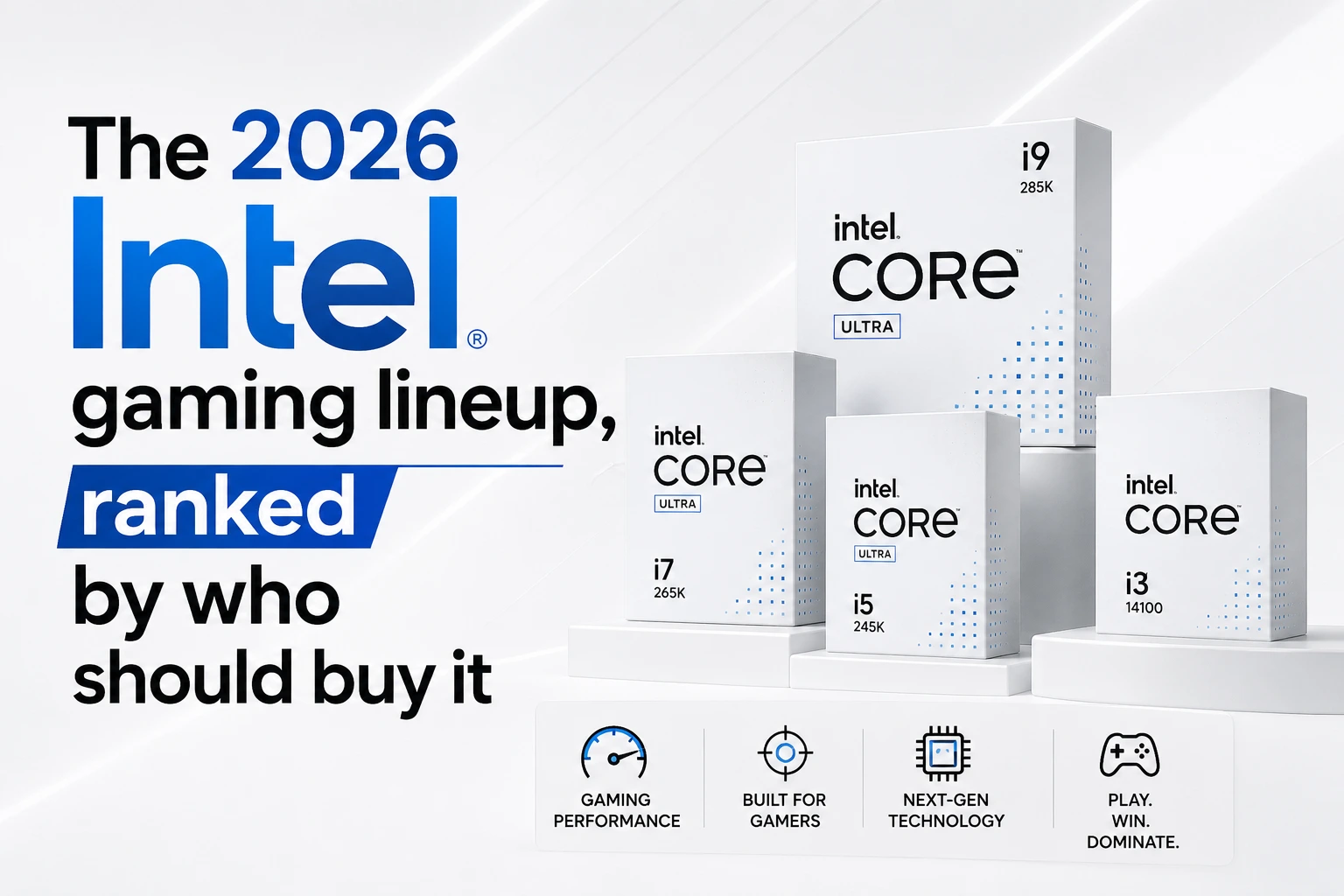
The 2026 Intel gaming lineup, ranked by who should buy it
Core Ultra 7 270K Plus the one I'd actually recommend
This is the chip that made me rewrite my opinion. It’s a 24-core part (8 performance cores, 16 efficiency cores) that boosts to 5.5 GHz, and here’s the sneaky part: it uses the full silicon die that Intel previously reserved for the $440+ flagship. Intel took its best die, added cores, and dropped the price to $299. That doesn’t happen often.
What actually changed under the hood matters more than the core count. Intel bumped the internal die-to-die interconnect frequency by 900 MHz, which was the single biggest thing dragging original Arrow Lake down in games chips talking to themselves too slowly. It also now runs DDR5-7200 memory as an official spec instead of fighting you for it.
In gaming, independent testing puts it around 206 fps average at 1080p medium across a broad suite basically dead even with Intel’s old 14900K flagship, and a few percent ahead of AMD’s similarly priced Ryzen 7 9700X, with noticeably better 1% lows (the stutters you actually feel). In heavily multi-threaded work, it’s not close: reviewers measured it roughly 65% faster than AMD’s gaming-focused X3D chips in Cinebench and Blender.
Translation: if you game and you edit video, stream, compile code, or render 3D, this is the smartest chip on the market at the price. Full stop.
Core Ultra 5 250K Plus the budget star
Same refresh treatment, smaller wallet. Eighteen cores (6P + 12E) for around $199, and it embarrasses AMD’s similarly priced Ryzen 5 9600X in anything multi-threaded reviewers clocked it something like 85% faster in Cinebench multi-core at the same price. In pure gaming the two trade blows within a few percent, and at 1440p the difference vanishes into GPU-bottleneck territory anyway.
If you’re building a value gaming rig and you want to stay on Intel, this is the one. There’s also a 250KF variant that drops the integrated graphics for a few bucks less fine if you’re pairing it with a discrete GPU, which you are.
Core Ultra 9 285K skip it
I’ll be blunt. This was Intel’s flagship, it still sells for $400-plus, and the $299 270K Plus matches or beats it in almost everything including up to 12% faster in some tasks. Paying more for less is a bad trade. Unless you find one deeply discounted below the 270K Plus, walk past it.
The LGA 1700 escape hatch (Core i5-14600K / i7-14700K)
Different situation: you already own a 12th or 13th Gen Intel board and just want a drop-in bump without rebuilding the whole machine. The Core i5-14600K and i7-14700K are still genuinely good gaming chips and let you keep your existing motherboard and DDR memory. Just make sure your BIOS is fully updated — the earlier instability drama on these chips was addressed through microcode fixes, and you want those applied.
Which one is right for you? (Follow the arrows)
Start here: Do you only play games and never touch creative or heavy background work?
Yes, only gaming → Honestly? Buy the AMD Ryzen 7 9800X3D. Come back to Intel CPU next generation. If you’re set on Intel for other reasons, jump to the next question.
No, I also stream / edit / render / multitask hard → Keep going.
At-a-glance comparison
| Chip |
Price |
Cores (P+E) |
Gaming vs. AMD’s Best |
Buy it if… |
| Core Ultra 7 270K Plus |
~$299 |
8P + 16E (24) |
~12–20% behind 9800X3D at 1080p; ties it at 1440p+ |
You game and create/stream — the do-everything pick. |
| Core Ultra 5 250K Plus |
~$199 |
6P + 12E (18) |
Within a few % of a Ryzen 5 in games. |
You want the best Intel value under $200. |
| Core Ultra 9 285K |
~$400+ |
8P + 16E (24) |
Same ballpark as 270K Plus, costs more. |
Basically never. Get the 270K Plus instead. |
| Core i7-14700K (LGA 1700) |
~$280 |
8P + 12E (20) |
Solid performer but trails the current generation. |
You already own an LGA 1700 motherboard and don’t want to rebuild. |
Where I'd push back on the hype
A few things the enthusiastic reviews sometimes gloss over.
The socket is a dead end, and that’s real. LGA 1851 the socket these Plus chips use has no future. Intel’s genuinely next-generation architecture, Nova Lake (the Core Ultra 400 series), is coming later in 2026 on a brand-new socket. So if you buy a Z890 board today, the 270K Plus is likely the last CPU you’ll ever drop into it. For someone who loves buying one motherboard and upgrading the chip three times over five years, that’s a dealbreaker, and AMD’s long-lived AM5 platform is the better home. For everyone else the vast majority who keep a CPU for four to six years and then rebuild the whole thing anyway — it’s a shrug. Know which person you are.
“Efficient” is not the word for these. Intel got the performance back by throwing power at the problem. Under full load the 270K Plus can pull up to 250W, same as the old flagship. It’ll want a real cooler. AMD’s X3D chips run dramatically cooler and quieter for gaming, and that has downstream costs — beefier cooler, hotter case, bigger power supply. Factor it into the total build price, not just the CPU sticker.
IBOT is promising, not magic. Intel’s new Binary Optimization Tool (you’ll see it as IBOT) reworks a game’s code on the fly to run better on the chip. When a game supports it, it helps. Support is limited today. Treat it as a nice bonus, not a reason to buy.
So does that mean AMD just wins and you should ignore all of this? Not exactly. If your PC does more than run games and most do Intel’s multi-threaded value at $199 and $299 right now is genuinely hard to argue with. That’s the honest tension, and anyone who tells you one brand wins cleanly in 2026 is selling something.
A 30-second self-assessment before you buy
Tick these off in your head:
☐ I know my monitor’s real resolution and refresh rate (not what I think I bought)
☐ I’ve decided honestly whether I’m a competitive-shooter person or a pretty-single-player person
☐ I’ve budgeted the GPU first and the CPU second
☐ I’ve accepted that if I only game, the Intel answer might not be the best answer — and I’m okay choosing Intel anyway for my own reasons
☐ I’ve priced in a decent cooler for a chip that can pull 250W
☐ I’ve made peace with LGA 1851 being a last-stop socket
If most of those are checked, you’re buying with your eyes open. That’s the whole goal.
Frequently Asked Questions
Is the Core Ultra 7 270K Plus better than the Ryzen 7 9800X3D for gaming?
No the 9800X3D is still faster in pure gaming, sometimes by a lot at 1080p, thanks to its stacked cache. But the 270K Plus costs meaningfully less, closes the gap at higher resolutions, and buries the AMD chip in creative and multi-threaded work. If you only game, AMD. If you do more, Intel’s the smarter spend.
Should I wait for Nova Lake?
If you can comfortably wait until late 2026 and you want the newest architecture on a socket with an actual future, waiting is reasonable. If you need a machine now, the 270K Plus is a great chip today don’t leave your PC in pieces for six months chasing a launch that could slip or arrive pricey.
Is the 285K ever worth buying over the 270K Plus?
Only if you find it discounted below the 270K Plus, which does happen occasionally. At list price, no. Same die, more money, no real gaming advantage.
Do I need the 8-core P / 16 E-core monster for gaming?
No. Games lean on the performance cores and rarely use more than eight of them well. The extra efficiency cores are for everything around gaming — streaming, background apps, rendering. If you truly only game, you’re paying for cores you won’t use, which is exactly why the pure-gaming crowd is better off elsewhere.
Will these work in my current Intel motherboard?
Only if it’s an 800-series (LGA 1851) board with an updated BIOS. They will not drop into older LGA 1700 boards. If you’re on 12th/13th Gen, your in-place upgrade path is a 14th Gen chip, not a Plus chip.
Is integrated graphics worth having?
For a gaming build with a discrete card, barely — it’s a nice troubleshooting fallback if your GPU dies. If you’re pairing with a real graphics card and want to save a little, the KF variant that drops the iGPU is fine.
Still have questions? Visit our Contact Us page, and we’ll be happy to help.
Gaming Musk Team creates gaming tools and practical guides for gamers. We build tools like PC requirement checkers, gamepad testers, and game-specific calculators while publishing easy-to-follow guides for games, gaming hardware, and performance optimization. Our goal is to help players make better gaming decisions with accurate tools and reliable information.