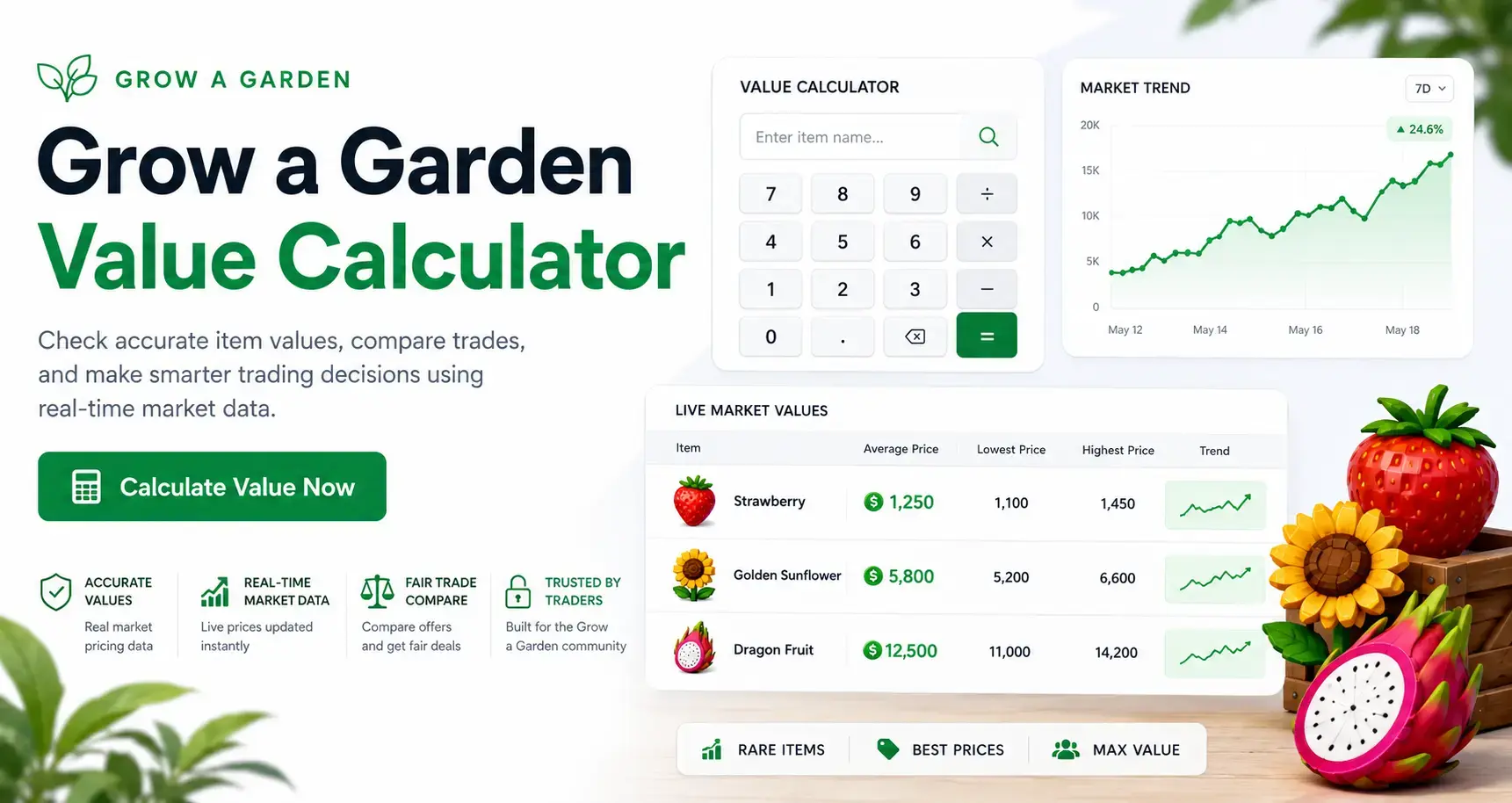
How to Use the Grow a Garden Value Calculator
Using the calculator is straightforward, even if this is your first time here. The whole process takes under a minute, and by the end, you'll know exactly whether a trade is worth it.
Add Your Items
Start by entering the items you're offering. You can add crops, pets, or rare items — the calculator covers all categories. If your items have mutations applied, make sure to select those too, since mutations significantly affect the final worth.
Add Their Items
Next, enter what the other player is offering you. Same process — add each item, select any mutations, and let the tool assign the correct market value to each one.
Compare Trade Values
Once both sides are filled in, the calculator shows you the total value of each offer side by side. You can see instantly whether the two offers are balanced, or if one side is worth noticeably more.
Check the Final Trade Result
The result section tells you whether you'd be profiting, breaking even, or overpaying. It also flags the gap between offers so you know by how much the trade is off — useful when you want to negotiate rather than just reject.
Grow a Garden Price Calculator for Crops, Pets, and Items
One thing that sets this calculator apart is how many item types it supports. Grow a Garden has a wide range of tradeable items, and values vary a lot depending on category.
Crop Prices
Crop values are listed based on current market demand and rarity. Some crops fluctuate based on what's available in the game at a given time, so prices are updated regularly to reflect what players are actually trading for.
Pet Prices
Pets often hold some of the highest values in the game. The calculator includes pet values with full support for rarity tiers, so you're not guessing what a rare or legendary pet is actually worth on the current market.
Rare Item Prices
Limited and seasonal items can be tricky to price because they don't always show up on value lists. This tool includes rare item prices based on active trading data, so you're working with real numbers rather than outdated estimates.
Mutation Multipliers
A mutation can completely change an item's value. The calculator applies the correct multiplier for each mutation type, which means your final trade value reflects the actual worth of a mutated crop or pet — not just the base price.
Grow a Garden Trading Calculator for Fair Trades
Trading in GAG isn't just about knowing item values — it's about making sure the overall offer is balanced. The trading calculator makes that comparison clear and easy.
Compare Both Trade Offers
Instead of calculating each side separately and doing the math yourself, this tool handles both offers at once. You see the total value for your side and their side next to each other, which makes spotting an imbalance much easier.
Check Profit or Loss
The calculator tells you straight up whether you're coming out ahead, even, or behind. It shows the exact difference in value so you know whether a trade leaves you with a profit or a loss before you confirm anything.
Avoid Overpaying
Overpaying is one of the most common trading mistakes, especially with rare items where it's harder to know the real market value. The trade checker highlights when you're about to give more than you're getting, so you can catch it in time.
Make Better Trading Decisions
Having the numbers in front of you changes how you trade. Instead of going on instinct or trusting what someone else tells you an item is worth, you have an accurate value reference that supports smarter decisions every time.
Understanding GAG Trading Values
Values in Grow a Garden aren't fixed. They shift based on a few key factors, and knowing what drives those changes helps you trade smarter.
How Values Are Updated
The value list behind this calculator is updated based on real player trading activity. When the community starts trading an item at a different rate — either higher or lower — those changes get reflected in the calculator's database.
Market Demand
Demand is one of the biggest drivers of value. If everyone wants a certain crop or pet right now, its worth goes up. If it's easy to get or nobody needs it at the moment, the price drops. The calculator accounts for current demand rather than just using static numbers.
Rarity
Rarer items naturally command higher values. The calculator uses rarity tiers to properly weight each item, so a legendary pet or a limited crop is priced differently from a common one — as it should be.
Seasonal Changes
Seasonal events in Roblox Grow a Garden introduce limited items that spike in value during their release window. Once the event ends, values shift again. Updated prices make sure you're working with accurate numbers regardless of when you're trading.
How Trade Values Are Calculated
Understanding the math behind the calculator helps you trust the results you're seeing.
Base Value
Every item starts with a base value — the default market price without any extras applied. This is the starting point the calculator uses before factoring in anything else.
Mutation Bonus
If an item has a mutation, a bonus multiplier is applied on top of the base value. Different mutations carry different multipliers, and the calculator applies the correct one automatically when you select the mutation type.
Rarity Multiplier
On top of base value and mutations, rarity applies an additional multiplier. A rare version of an item is worth more than a standard one, and the calculator reflects that difference in the final output.
Market Demand Score
Demand is factored in as a score that adjusts the item's value based on how actively it's being traded. High-demand items score higher; items with low demand are adjusted down. This keeps the values aligned with what's actually happening in the game economy.
Example Trade Calculation
Seeing the calculator in action makes it easier to understand how all those factors come together.
Sample Trade Example
Say you're offering a mutated rare crop and getting back two standard pets in return. On the surface, a two-for-one trade may sound like a good deal, but the actual outcome depends entirely on the value of the items being exchanged.
Why Trade Values Matter
A trade should be judged by total value rather than item count. Some rare or mutated items can be worth significantly more than several common items combined, making accurate value calculations essential before accepting a deal.
How the Calculator Compares Items
The calculator evaluates each item individually using its base value, rarity, mutations, weight factors, and market demand. It then compares both sides using the same formula to provide a fair and consistent result.
Step-by-Step Value Breakdown
The calculator takes your mutated crop, applies the base value, adds the mutation bonus, and adjusts for rarity and demand. For the two pets, it performs the same calculation and compares the final totals. If your crop is worth 4,200 and their two pets total 3,100, you would be losing 1,100 in trade value, helping you avoid an unfavorable trade.
Why Players Use Our Trading Tool
There are plenty of value lists and trading guides out there, but a calculator that does the comparison for you in real time is a different level of useful.
Fast Value Comparison
Looking up each item manually, adding everything up, and then comparing — it takes time. The calculator removes all of that. You get your answer in seconds, which matters when someone's waiting on you to accept a trade.
Updated Market Prices
Static value lists go stale quickly. This tool is built on regularly updated pricing data, so the numbers you're seeing reflect today's market — not what things were worth three weeks ago.
Easy to Use
There's no learning curve here. If you can type an item name and click a button, you can use this calculator. It's designed for all players, whether you've been trading for years or you're just starting to figure out how item values work.
Reliable Trading Results
The output you get isn't a rough guess — it's calculated using base values, mutation multipliers, weight adjustments, rarity tiers, and demand scores. That combination makes the results genuinely reliable for real trading decisions.
Features You'll Find Inside the Calculator
Here's a quick breakdown of what the tool actually includes.
Live Value Updates
Values refresh based on current market data, helping ensure that trade estimates reflect the latest pricing trends rather than outdated information.
Pet Value Support
All pet types and rarity tiers are supported, including rare and hard-to-price pets that can significantly impact the outcome of a trade.
Crop Value Support
The calculator covers all crop types available in the game and updates support for seasonal crops whenever they become available.
Mutation Calculations
Select a mutation for any item and the calculator automatically applies the correct multiplier. This removes the need for manual calculations and helps produce more accurate trade values.
Tips for Better Trading
Knowing how to use the calculator is one thing. Getting the most out of every trade is another.
Know Market Demand
Before you commit to a trade, check where demand sits for the items involved. High-demand items hold their value better, and trading into them is usually a smarter move than trading into something nobody's chasing right now.
Don't Ignore Mutations
A mutation can double or triple an item's worth. Never compare a mutated item to its base price — always run it through the calculator with the correct mutation selected so you know the true value you're working with.
Compare Before Trading
Make it a habit to run every trade through the value checker before you accept. Even if an offer looks balanced, the actual numbers sometimes tell a different story. A quick check takes seconds and can save you from losing items you'd regret giving away.
Watch Limited-Time Items
Seasonal and event-limited items behave differently from regular tradeable items. Their worth can spike during an event and drop once it ends. If you're trading these, check the latest values and factor in whether the item will remain in demand after the event closes.