Best Intel CPU for Gaming Guide: Top Picks & Benchmarks 2026
A year ago, if you’d asked me about the Best Intel CPU for Gaming, I’d have made a face. The kind of face you make when a friend asks you to help them move on a Saturday. Arrow Lake had landed in late 2024 with a thud—interesting on paper, disappointing in games, and stuck on a socket going nowhere. For most of 2025, the honest Intel answer was, “Buy AMD.”
Then March 26, 2026 happened. Intel dropped the Arrow Lake Refresh—the “Plus” chips—and quietly fixed most of what was wrong. Not all of it, but enough that I have to eat some of my earlier skepticism.
So, if you’re wondering which is the Best Intel CPU for Gaming in 2026, let’s get you the real answer first, and then we’ll dig into why.
Best Intel CPU for Gaming (10-second version)
If you mostly game and nothing else: buy the AMD Ryzen 7 9800X3D. I know that’s not the Intel answer you searched for. Read the next line before you close the tab.
The best Intel gaming CPU right now: the Core Ultra 7 270K Plus (~$299). It’s the fastest gaming chip Intel makes, and it demolishes anything near its price in editing, rendering, and streaming.
Best budget Intel pick: the Core Ultra 5 250K Plus (~$199). Punches absurdly far above its price.
Do NOT buy: the Core Ultra 9 285K. The cheaper 270K Plus matches or beats it. More on that below.
The trap nobody warns you about
I’ve watched this category for a long time, and the same mistake shows up over and over: people pour money into the CPU and starve the GPU.
Here’s the thing that should change how you shop. In most games, at most resolutions, your graphics card decides your frame rate not your processor. The CPU only becomes the bottleneck in specific situations: competitive shooters at 1080p where you’re chasing 240+ fps, heavy strategy and simulation games (think Total War, Cities: Skylines, big Factorio saves), and anything with dense NPC logic or physics.
Push the resolution up to 1440p or 4K and the gap between a $200 CPU and a $500 CPU often shrinks to almost nothing, because now the GPU is the one sweating. So before you spend a dime, a gut-check.
Try this right now: Look up what resolution and refresh rate your monitor actually runs. Then ask yourself honestly whether you play twitchy competitive games or slower, prettier ones. Those two facts matter more than any spec sheet. If you’re a 4K single-player person, you can spend less on the CPU than a review site’s “best gaming chip” headline implies, and put the difference toward your graphics card.
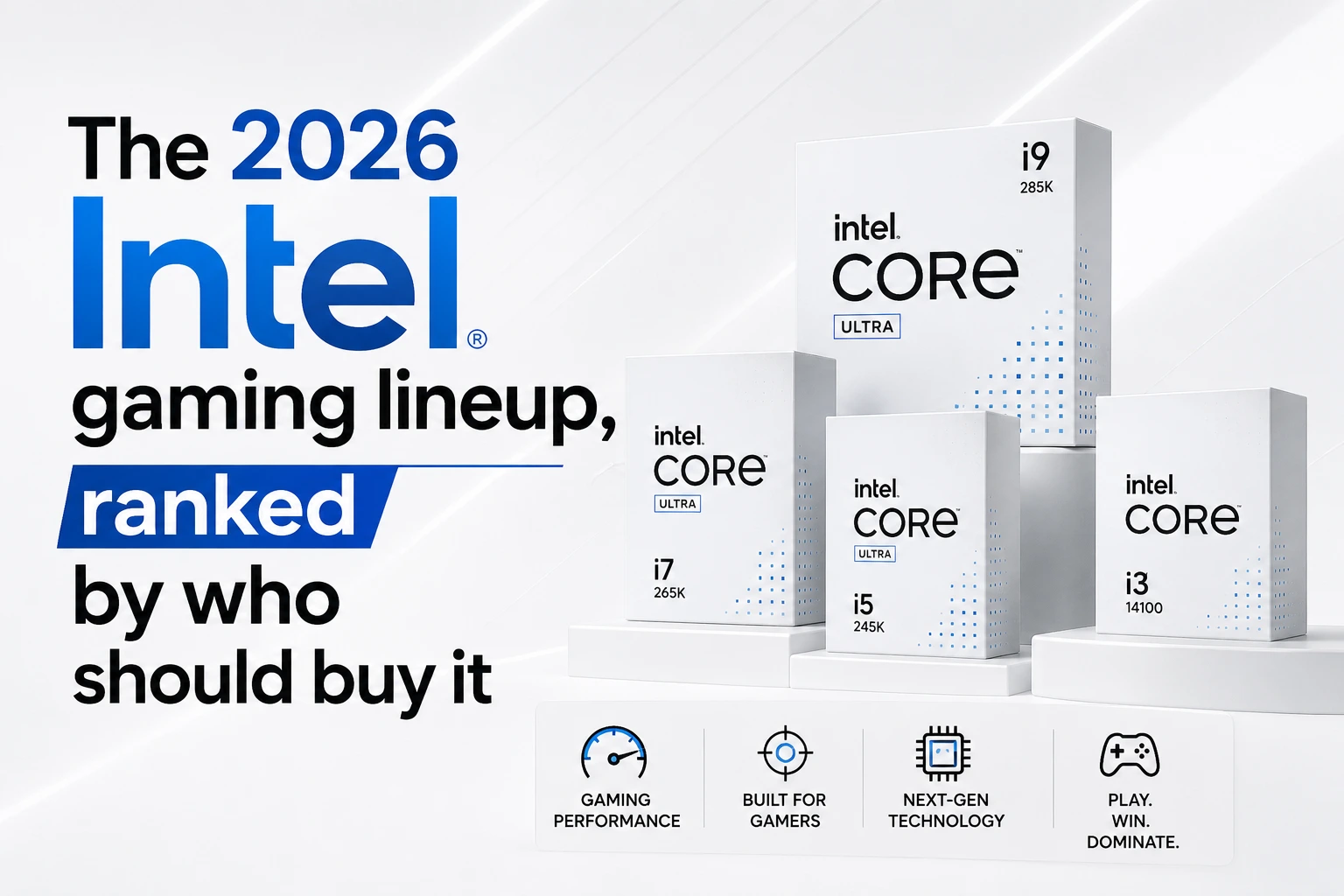
The 2026 Intel gaming lineup, ranked by who should buy it
Core Ultra 7 270K Plus the one I'd actually recommend
This is the chip that made me rewrite my opinion. It’s a 24-core part (8 performance cores, 16 efficiency cores) that boosts to 5.5 GHz, and here’s the sneaky part: it uses the full silicon die that Intel previously reserved for the $440+ flagship. Intel took its best die, added cores, and dropped the price to $299. That doesn’t happen often.
What actually changed under the hood matters more than the core count. Intel bumped the internal die-to-die interconnect frequency by 900 MHz, which was the single biggest thing dragging original Arrow Lake down in games chips talking to themselves too slowly. It also now runs DDR5-7200 memory as an official spec instead of fighting you for it.
In gaming, independent testing puts it around 206 fps average at 1080p medium across a broad suite basically dead even with Intel’s old 14900K flagship, and a few percent ahead of AMD’s similarly priced Ryzen 7 9700X, with noticeably better 1% lows (the stutters you actually feel). In heavily multi-threaded work, it’s not close: reviewers measured it roughly 65% faster than AMD’s gaming-focused X3D chips in Cinebench and Blender.
Translation: if you game and you edit video, stream, compile code, or render 3D, this is the smartest chip on the market at the price. Full stop.
Core Ultra 5 250K Plus the budget star
Same refresh treatment, smaller wallet. Eighteen cores (6P + 12E) for around $199, and it embarrasses AMD’s similarly priced Ryzen 5 9600X in anything multi-threaded reviewers clocked it something like 85% faster in Cinebench multi-core at the same price. In pure gaming the two trade blows within a few percent, and at 1440p the difference vanishes into GPU-bottleneck territory anyway.
If you’re building a value gaming rig and you want to stay on Intel, this is the one. There’s also a 250KF variant that drops the integrated graphics for a few bucks less fine if you’re pairing it with a discrete GPU, which you are.
Core Ultra 9 285K skip it
I’ll be blunt. This was Intel’s flagship, it still sells for $400-plus, and the $299 270K Plus matches or beats it in almost everything including up to 12% faster in some tasks. Paying more for less is a bad trade. Unless you find one deeply discounted below the 270K Plus, walk past it.
The LGA 1700 escape hatch (Core i5-14600K / i7-14700K)
Different situation: you already own a 12th or 13th Gen Intel board and just want a drop-in bump without rebuilding the whole machine. The Core i5-14600K and i7-14700K are still genuinely good gaming chips and let you keep your existing motherboard and DDR memory. Just make sure your BIOS is fully updated — the earlier instability drama on these chips was addressed through microcode fixes, and you want those applied.
Which one is right for you? (Follow the arrows)
Start here: Do you only play games and never touch creative or heavy background work?
Yes, only gaming → Honestly? Buy the AMD Ryzen 7 9800X3D. Come back to Intel CPU next generation. If you’re set on Intel for other reasons, jump to the next question.
No, I also stream / edit / render / multitask hard → Keep going.
At-a-glance comparison
| Chip |
Price |
Cores (P+E) |
Gaming vs. AMD’s Best |
Buy it if… |
| Core Ultra 7 270K Plus |
~$299 |
8P + 16E (24) |
~12–20% behind 9800X3D at 1080p; ties it at 1440p+ |
You game and create/stream — the do-everything pick. |
| Core Ultra 5 250K Plus |
~$199 |
6P + 12E (18) |
Within a few % of a Ryzen 5 in games. |
You want the best Intel value under $200. |
| Core Ultra 9 285K |
~$400+ |
8P + 16E (24) |
Same ballpark as 270K Plus, costs more. |
Basically never. Get the 270K Plus instead. |
| Core i7-14700K (LGA 1700) |
~$280 |
8P + 12E (20) |
Solid performer but trails the current generation. |
You already own an LGA 1700 motherboard and don’t want to rebuild. |
Where I'd push back on the hype
A few things the enthusiastic reviews sometimes gloss over.
The socket is a dead end, and that’s real. LGA 1851 the socket these Plus chips use has no future. Intel’s genuinely next-generation architecture, Nova Lake (the Core Ultra 400 series), is coming later in 2026 on a brand-new socket. So if you buy a Z890 board today, the 270K Plus is likely the last CPU you’ll ever drop into it. For someone who loves buying one motherboard and upgrading the chip three times over five years, that’s a dealbreaker, and AMD’s long-lived AM5 platform is the better home. For everyone else the vast majority who keep a CPU for four to six years and then rebuild the whole thing anyway — it’s a shrug. Know which person you are.
“Efficient” is not the word for these. Intel got the performance back by throwing power at the problem. Under full load the 270K Plus can pull up to 250W, same as the old flagship. It’ll want a real cooler. AMD’s X3D chips run dramatically cooler and quieter for gaming, and that has downstream costs — beefier cooler, hotter case, bigger power supply. Factor it into the total build price, not just the CPU sticker.
IBOT is promising, not magic. Intel’s new Binary Optimization Tool (you’ll see it as IBOT) reworks a game’s code on the fly to run better on the chip. When a game supports it, it helps. Support is limited today. Treat it as a nice bonus, not a reason to buy.
So does that mean AMD just wins and you should ignore all of this? Not exactly. If your PC does more than run games and most do Intel’s multi-threaded value at $199 and $299 right now is genuinely hard to argue with. That’s the honest tension, and anyone who tells you one brand wins cleanly in 2026 is selling something.
A 30-second self-assessment before you buy
Tick these off in your head:
☐ I know my monitor’s real resolution and refresh rate (not what I think I bought)
☐ I’ve decided honestly whether I’m a competitive-shooter person or a pretty-single-player person
☐ I’ve budgeted the GPU first and the CPU second
☐ I’ve accepted that if I only game, the Intel answer might not be the best answer — and I’m okay choosing Intel anyway for my own reasons
☐ I’ve priced in a decent cooler for a chip that can pull 250W
☐ I’ve made peace with LGA 1851 being a last-stop socket
If most of those are checked, you’re buying with your eyes open. That’s the whole goal.
Frequently Asked Questions
Is the Core Ultra 7 270K Plus better than the Ryzen 7 9800X3D for gaming?
No the 9800X3D is still faster in pure gaming, sometimes by a lot at 1080p, thanks to its stacked cache. But the 270K Plus costs meaningfully less, closes the gap at higher resolutions, and buries the AMD chip in creative and multi-threaded work. If you only game, AMD. If you do more, Intel’s the smarter spend.
Should I wait for Nova Lake?
If you can comfortably wait until late 2026 and you want the newest architecture on a socket with an actual future, waiting is reasonable. If you need a machine now, the 270K Plus is a great chip today don’t leave your PC in pieces for six months chasing a launch that could slip or arrive pricey.
Is the 285K ever worth buying over the 270K Plus?
Only if you find it discounted below the 270K Plus, which does happen occasionally. At list price, no. Same die, more money, no real gaming advantage.
Do I need the 8-core P / 16 E-core monster for gaming?
No. Games lean on the performance cores and rarely use more than eight of them well. The extra efficiency cores are for everything around gaming — streaming, background apps, rendering. If you truly only game, you’re paying for cores you won’t use, which is exactly why the pure-gaming crowd is better off elsewhere.
Will these work in my current Intel motherboard?
Only if it’s an 800-series (LGA 1851) board with an updated BIOS. They will not drop into older LGA 1700 boards. If you’re on 12th/13th Gen, your in-place upgrade path is a 14th Gen chip, not a Plus chip.
Is integrated graphics worth having?
For a gaming build with a discrete card, barely — it’s a nice troubleshooting fallback if your GPU dies. If you’re pairing with a real graphics card and want to save a little, the KF variant that drops the iGPU is fine.
Still have questions? Visit our Contact Us page, and we’ll be happy to help.