The Best GPU for Gaming in 2026 (Tested, Argued Over, and Finally Settled)
Graphics cards get swapped in and out of test rigs constantly around here with a Torx driver in one hand and a half-eaten sandwich in the other, more often than not. Streamers’ builds, thermal paste jobs gone wrong, arguments online about whether 8GB of VRAM is “fine, actually.” (It is not.) When someone asks what the best gaming GPUs of 2026 have to offer, the honest answer used to be a single card name. Not anymore. The market split into lanes, and pretending there’s one universal winner does readers a disservice.
Here’s a scenario that sums up the current landscape: someone wants to upgrade an aging rig, budget capped at $400, and asks if that’s even possible anymore. It is. But the GPU that makes sense for that build looks nothing like the card worth recommending to someone chasing 4K ray tracing, and neither looks like the pick for someone who also wants to run a local AI model on the side. Three different people, three correct answers that’s the whole premise behind picking the right card for your needs, rather than chasing one overall champion.
Quick Answer: The Best Graphics Cards for 2026 in Under 10 Seconds
If you’re skimming, here’s the gut-check version:
| Use Case |
Pick |
Why |
| No-compromise / flagship |
RTX 5090 |
32GB VRAM, 150+ FPS at 4K with frame gen |
| Best high-end value |
RTX 5080 / RX 9070 XT |
Near-flagship 4K performance at a lower cost |
| Best all-around pick |
RTX 5070 |
Strong 1440p performance, ages well, and runs cooler |
| Best budget GPU |
RX 9060 XT 16GB |
Best VRAM-per-dollar right now |
| Best sub-$300 budget pick |
Intel Arc B580 |
12GB VRAM with rougher drivers |
| Best for AI + gaming |
RTX 5070 Ti / RTX 4090 |
Enough VRAM for local models without sacrificing gaming performance |
If none of that means anything yet, keep reading it will shortly.
Why This Decision Actually Matters Right Now
Games aren’t behaving the way they used to. Textures are heavier, ray tracing is closer to a default expectation than an optional toggle, and upscaling tech DLSS 4 on NVIDIA’s side, FSR 4 on AMD’s has quietly become load-bearing infrastructure rather than a nice bonus. Buy the wrong card and you won’t just lose frame rate; you’ll lose VRAM headroom sooner than you should have, and that’s the mistake that comes up most often when someone skips thinking through what the graphics card actually means for their setup. Someone buys an 8GB card thinking it’ll last, and before long they’re dropping texture settings on games that should look gorgeous.
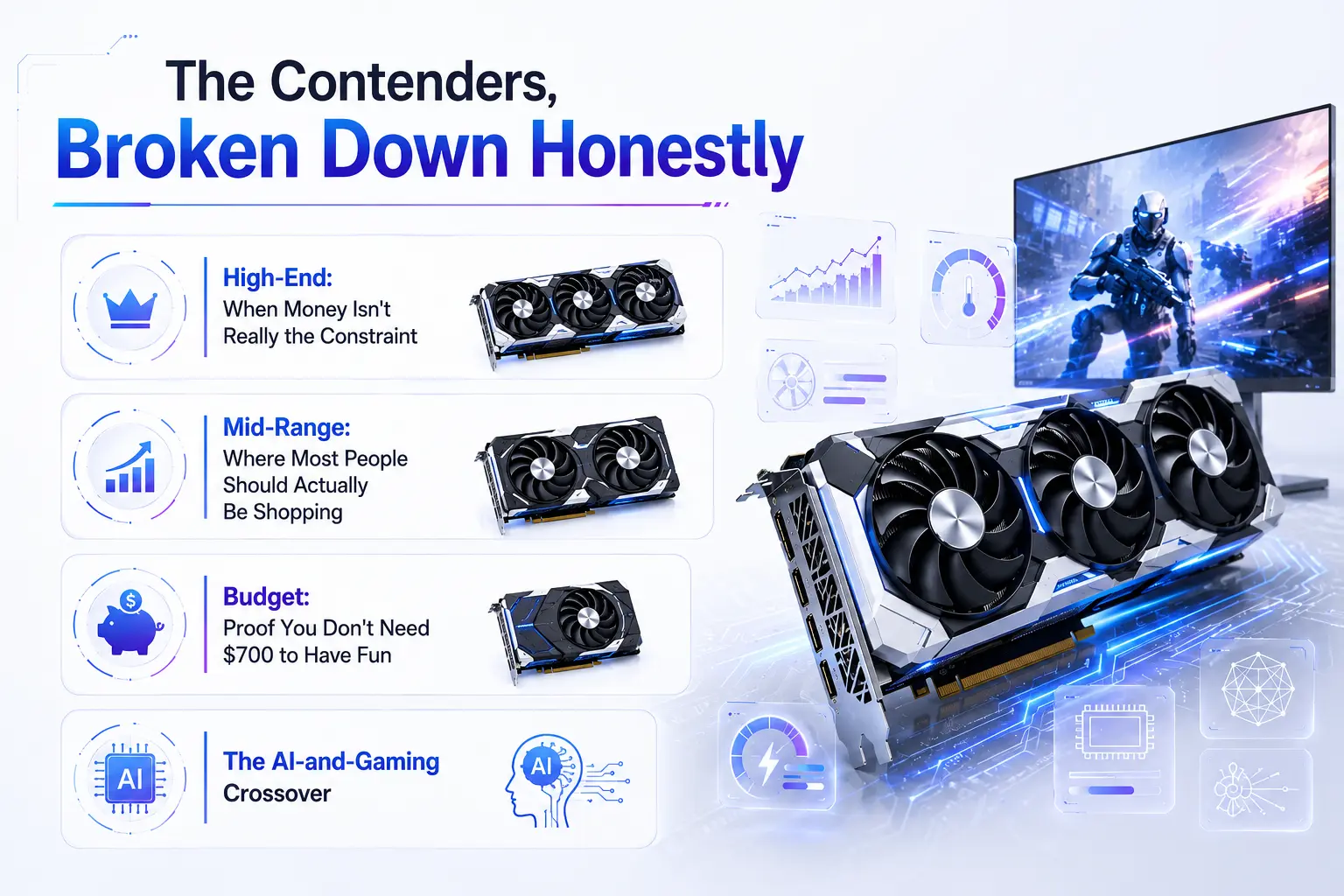
The Contenders, Broken Down Honestly
High-End: When Money Isn't Really the Constraint
Anyone chasing the absolute best flagship card lands here first, before deciding whether that ceiling is worth the cost.
The RTX 5090 sits at the top for a reason 32GB of GDDR7 and enough horsepower to push past 150 FPS in demanding 4K titles when paired with frame generation. It’s also power-hungry enough that a PSU upgrade often becomes a hidden second purchase just to run one safely. That’s a real cost most GPU rankings skip over.
Right below it, the RTX 5080 gives up relatively little for a noticeably smaller price tag, and the RX 9070 XT trades some ray-tracing polish for AMD’s usual value edge roughly 95% of RTX 5070 Ti performance for closer to 80% of the price.
Mid-Range: Where Most People Should Actually Be Shopping
This is the tier that generates the most debate when people ask which card to buy in a realistic price range, because it’s genuinely close. The RTX 5070 has become a go-to recommendation for anyone wanting the best gaming performance without flagship spending 12GB of GDDR7, ultra settings above 100 FPS in current titles, and enough multi-frame-generation headroom to push well past that in supported games. It also runs cooler than its predecessor, which sounds minor until you’re the one whose case fans scream during a long session.
AMD’s RX 9070 counters with near-identical rasterized performance at a lower price, minus some software polish. If ray tracing isn’t your priority, that’s an easy trade.
Budget: Proof You Don't Need $700 to Have Fun
Here’s where things get genuinely interesting, and where a lot of GPU roundups get lazy. The budget conversation really comes down to three names: the RX 9060 XT 16GB, the RTX 5060 Ti, and the Intel Arc B580.
The RX 9060 XT at roughly $350-400 outperforms the base RTX 5060 by a noticeable margin in raw rasterization and ships with 16GB of memory instead of 8GB a gap that matters more with every new game that comes out. A side-by-side test against a base 5060 in the same rig, same monitor, showed the difference clearly in Dragon’s Dogma 2: the AMD card pulled close to ten frames ahead at 1080p.
The Intel Arc B580 remains the scrappy underdog. At under $300 with 12GB of VRAM, it’s the best budget gaming gpu 2026 has for anyone willing to tolerate occasionally clunky drivers in exchange for memory no other card at that price offers. It’s worth keeping one around in a testing rig just to stay honest about Intel’s progress not flawless, but no longer the punchline it once was.
The AI-and-Gaming Crossover
A growing number of people are asking a different question now: what’s the best gpu for ai and gaming 2026 if they want to run local language models on the same machine they game on? The honest answer is that VRAM decides almost everything here. A 7B model at reasonable quantization needs around 5-6GB, but 14B-class models want closer to 10-11GB, and anything bigger eats into territory only 16GB-plus cards handle comfortably.
For that dual-purpose buyer, the RTX 5070 Ti or, budget allowing, the RTX 4090 make the most sense — both hold mid-size models without sacrificing gaming performance, and NVIDIA’s CUDA ecosystem still has the smoothest support for tools like Ollama and LM Studio. AMD cards can do this work through ROCm, but it’s not nearly as plug-and-play.
Try This Before You Keep Reading
Quick exercise open your PC’s specs (Task Manager on Windows, or any PC checker tool if you’re not sure what’s installed) and note your GPU model, PSU wattage, and current VRAM. Compare that VRAM number against the games you actually play. Sitting on 8GB and regularly playing today’s bigger titles? That’s your answer on whether an upgrade is overdue.
Which One Is Actually Right For You (Best GPU for Gaming 2026, By Use Case)
• Play competitive esports almost exclusively → RTX 5060 Ti or Arc B580. You don’t need more.
• Targeting 1440p, want lasting headroom → RTX 5070 or RX 9070.
• 4K and ray tracing are non-negotiable → RTX 5080 minimum, RTX 5090 if budget allows.
• Budget caps around $300-400 → RX 9060 XT 16GB or Arc B580, depending on driver polish versus VRAM.
• Gaming and local AI experiments share one machine → RTX 5070 Ti or RTX 4090, full stop.
Where This Take Pushes Back on the Crowd
Here’s a genuine disagreement with the popular pick: the RTX 5060 (the plain, non-Ti, 8GB version) is overrated for how often it gets recommended to first-time builders. It’s fine right now. It won’t stay that way, and enough of these cards get replaced early for frustrated owners to say so directly. Spend the extra fifty dollars on the Ti version, or step down to the RX 9060 XT instead the 16GB buffer buys real, lasting usability.
There’s also little patience for AMD’s marketing language around its 8GB and 16GB variants being “the same GPU, no compromise.” Reviewers who’ve torn into that claim found the compromise real and measurable. Don’t take a manufacturer’s word for it — check independent benchmarks before buying either variant.
Quick Checklist Before You Buy
☐ Confirmed your monitor’s real resolution and refresh rate (don’t buy for 4K on a 1080p panel)
☐ Checked PSU wattage against the card’s rated draw, with headroom to spare
☐ Measured case clearance for the card’s physical length
☐ Decided whether ray tracing and DLSS/FSR quality justify NVIDIA’s premium
☐ Looked at VRAM needs for your actual game library, not just today’s price tag
☐ Run a PC checker or system scan to confirm current specs before ordering
The Actual Closing Take
Stop hunting for one magic answer to the best gpu for gaming 2026 question and start being honest about what you actually play and what you can spend. Plenty of people overspend on a 5090 for a library full of CS2 and Valorant, and just as many stretch a dying 8GB card well past its expiration date to save a couple hundred bucks. Neither approach ages well. Figure out your resolution, be realistic about budget, run a quick PC checker if you’re unsure what you’re working with, and buy the card matching the games you’ll actually load up tonight not the one that looks best on a spec sheet.
FAQ
Is it worth waiting for next-gen cards instead of buying now?
Depends on your setup. A card struggling to hit 60 FPS today costs you real enjoyment while you wait on uncertain future savings. If your current card still handles your games fine, there’s less urgency.
Does more VRAM always mean better gaming performance?
No VRAM prevents stutter and texture pop-in once you exceed capacity, but it doesn’t add raw horsepower on its own. A card can have huge memory and still run slow if the underlying chip is weak.
Can a budget card handle ray tracing at all?
Somewhat, at lower settings. Don’t expect the smooth experience flagship cards deliver, but entry cards with upscaling support can produce a playable result in lighter titles.
Should a first-time builder just buy whatever's cheapest?
Not necessarily the cheapest card in a lineup is often the one with cut VRAM or an outdated architecture, which shortens its useful life fastest.
Is AMD's driver software still a real concern?
It’s improved considerably, though some users still report occasional quirks compared to NVIDIA’s more mature control panel and driver cadence.
Does the CPU bottleneck a new GPU purchase?
It can, especially older CPUs paired against high-end cards. An aging processor next to a flagship GPU often wastes a chunk of that card’s potential.
Still have questions? Visit our Contact Us page, and we’ll be happy to help.